
Learning ROS2 Topic Injection with Gazebo
Another post, still on Topic Injection just like my previous post but this time I’ll use a simulation to properly see how topic injection does its thing. But before that, Robotics really making me publish a lot on this website huh. Maybe Robotics is the one for me since I really wanted to dive into this or make it a career and it includes RE, Hardware, and AI which is something I wanted to be good at excluding Game Hacking of course, but yeah, for now I’m still on the beginner part but I’m already excited about what I’m going to learn.
Let’s now begin. This is still the same as before so instead of me installing everything again from the start, I only added gazebo using this command:
sudo apt install ros-humble-ros-gz
Then to test if it is working I just run the command
ign gazebo shapes.sdf
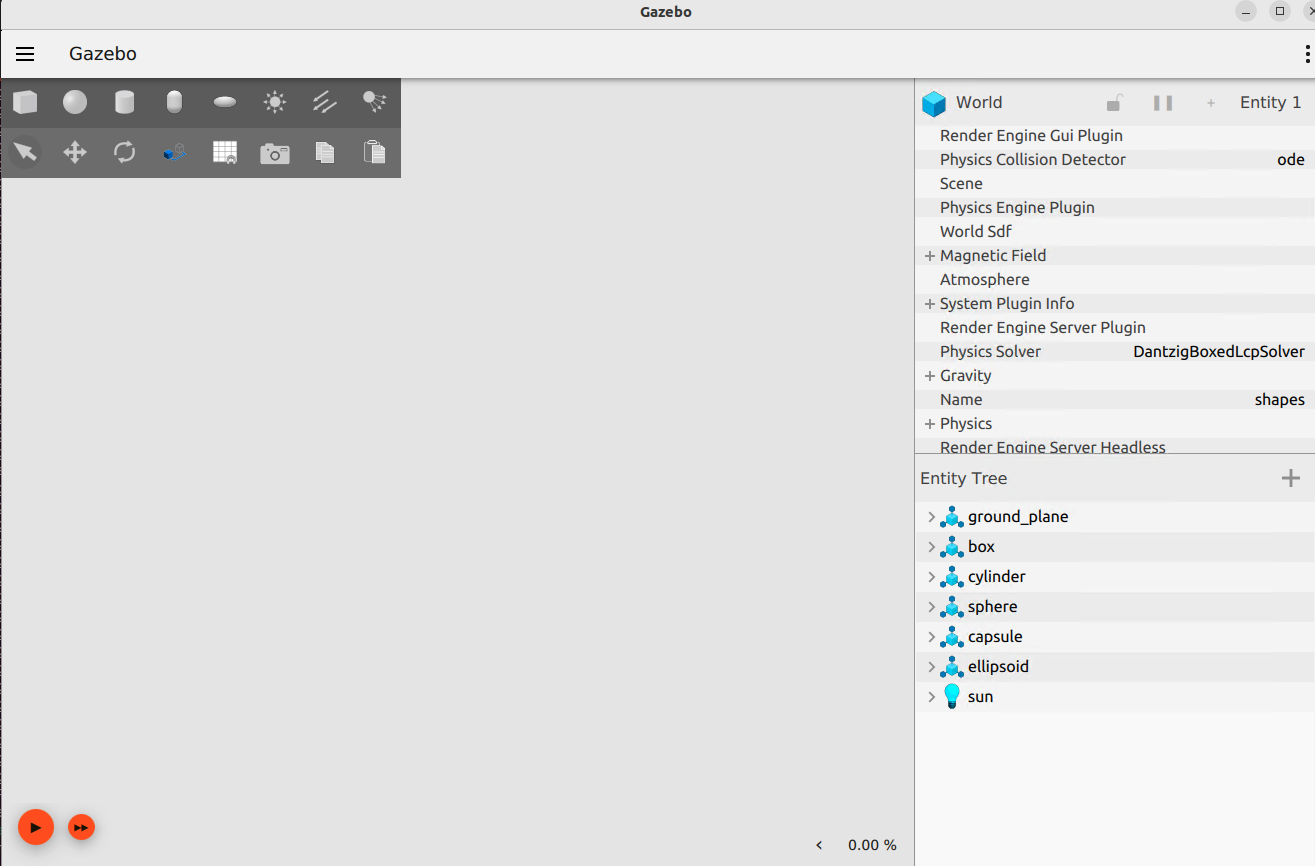
After running, I noticed that it fails to load anything so it means it is defaulting to ogre2 render engine (not sure). So to fix this, I just need to specify to use the v1 as the rendering engine and to do that I run the following command:
ign gazebo --render-engine ogre shapes.sdf
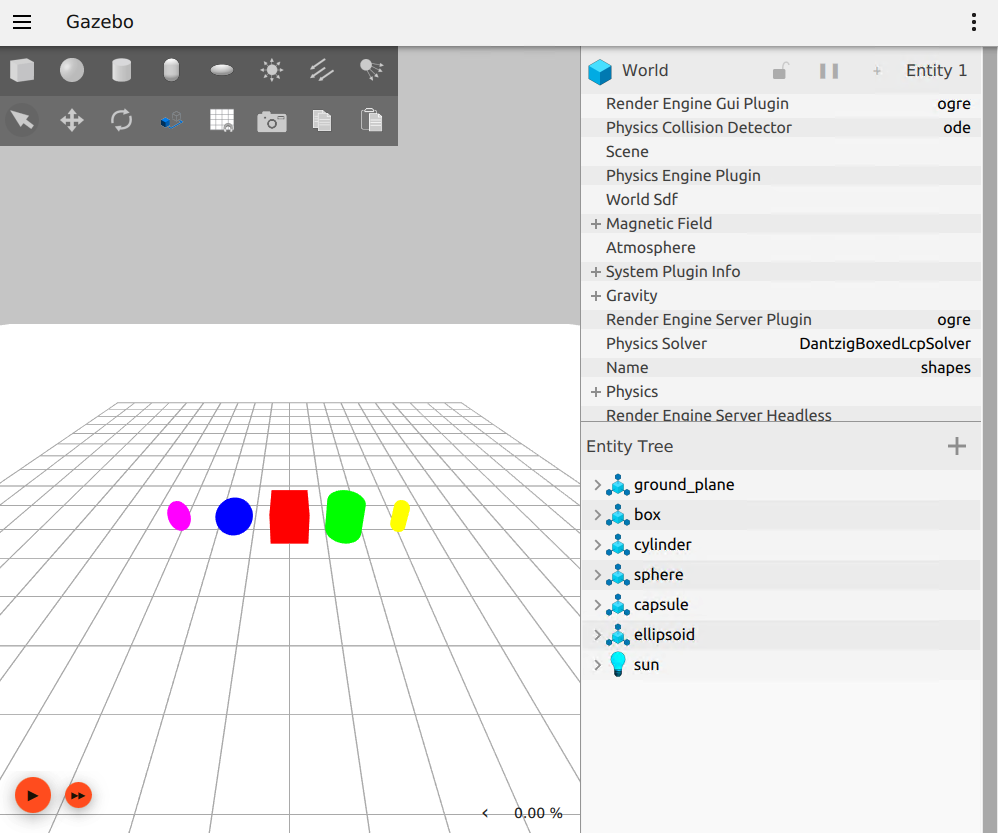
Now, I can see that it is able to render properly this time and I am able to confirm on the Render Engine Gui Plugin and Render Engine Server Plugin that it uses ogre. Since I already manage to make the gazebo works, I will now download the bcr_bot by Black Coffee Robotics. This is a differential robot with a real cmd_vel topic which is where I am going to try the topic injection. I’ll now try to clone the bcr_bot on my machine and run it.
First, I need to create a directory to where I’m going to put the bcr_bot, since I’m only using a virtual machine for this. I decided to put everything on my user’s home directory.
mkdir -p ~/bcr_ws/src && cd ~/bcr_ws/src
This command should create two directories, one is the parent which is bcr_ws and a subdirectory src where I will clone the bcr_bot and to do that, just run the command below:
git clone -b ros2 https://github.com/blackcoffeerobotics/bcr_bot.git
Now that I was able to clone the specific branch of bcr_bot, I just needed to make sure all the necessary Gazebo bridge packages are already installed on my machine.
sudo apt install ros-humble-ros-gz-sim ros-humble-ros-gz-bridge ros-humble-ros-gz-interfaces
After that I also install rosdep and colcon. The rosdep is the dependency manager, it checks the package.xml file and identify missing libraries while colcon is the build system which handles the compiling and assembling of packages in ROS workspace. To install them, I just run the command below:
sudo apt install ros-dev-tools
After installing, I need to initialize rosdep and update its database. To do that, the command I executed is:
sudo rosdep init
rosdep update
Then I rerun the dependency resolve and build it:
cd ~/bcr_ws
rosdep install --from-paths src --ignore-src -r -y
colcon build --symlink-install
source install/setup.bash
This should be all good now but I needed to fix one line to ensure that it will use ogre v1 again. Just need to open the file ~/bcr_ws/src/bcr_bot/launch/ign.launch.py using nano and modify the line "gz_args" : PythonExpression(["'", world_file, " -r'"]) to "gz_args" : PythonExpression(["'", world_file, " -r --render-engine ogre'"]). Once done, I just run the command below:
ros2 launch bcr_bot ign.launch.py
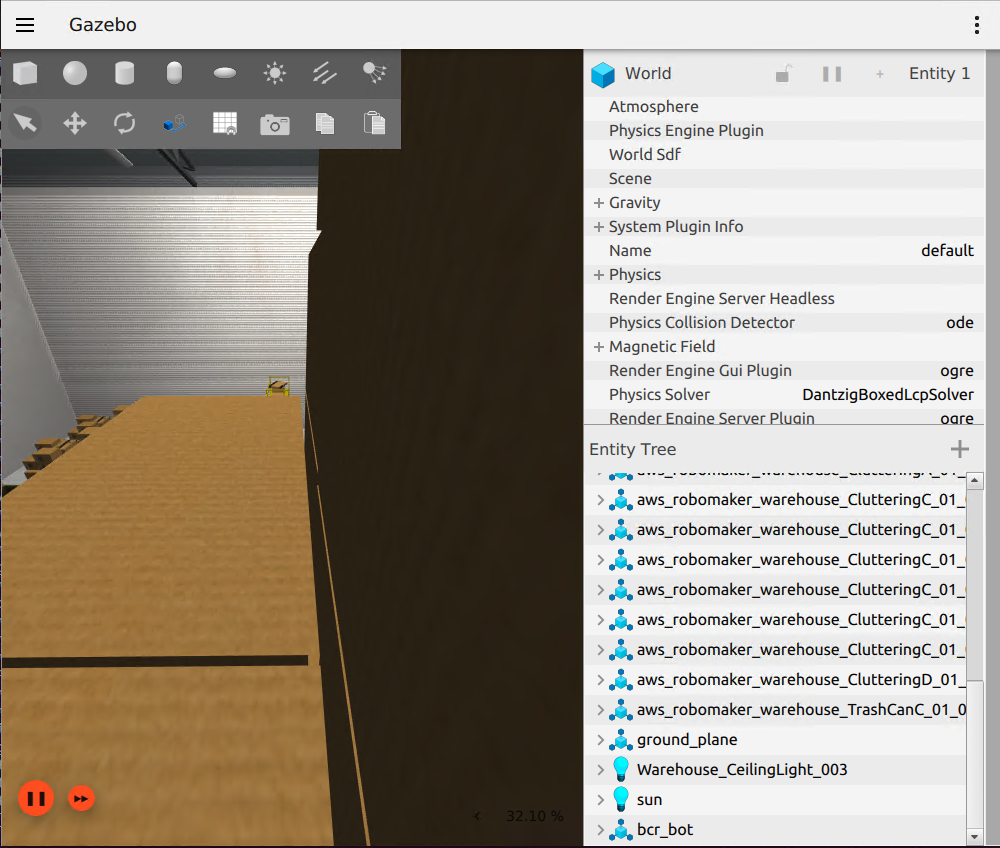
On the image above, I can see now the warehouse in bcr_bot but I cannot see where it the robot actually is. I’m not familiar with Gazebo as this is my first time, so what I did is I just right click the bcr_bot on the Entity Tree and then click follow.
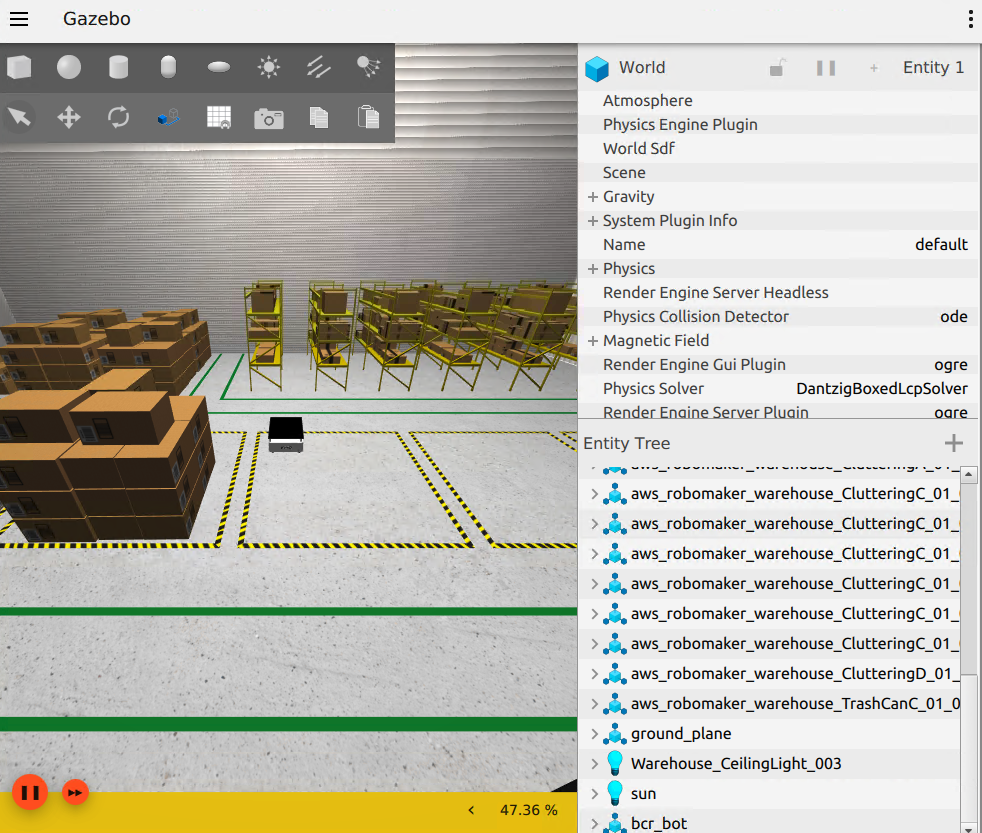
This image now shows by clicking the follow button, I was able to see where the location of the robot actually is. The next part now is making it move and to make it move, I found out two ways, first since this unauthenticated, I can just publish a message on the cmd_vel telling it what to do thus performing the topic injection already which I just find it not interesting since I just perform a topic injection on an idle robot.
Basically, what I wanted is, I wanted some sort of role playing scenario where terminal B is the normal user controlling the robot and terminal C is the attacker performing topic injection. I mentioned terminal B and terminal C because terminal A is already being used to launch the bcr_bot. So in order for me to execute this scenario in my head, I needed to install keyboard teleop to drive the bcr_bot and to do that I run the command below:
First I install it
sudo apt install ros-humble-teleop-twist-keyboard
Then launch it using the command below:
ros2 run teleop_twist_keyboard teleop_twist_keyboard --ros-args -r /cmd_vel:=/bcr_bot/cmd_vel
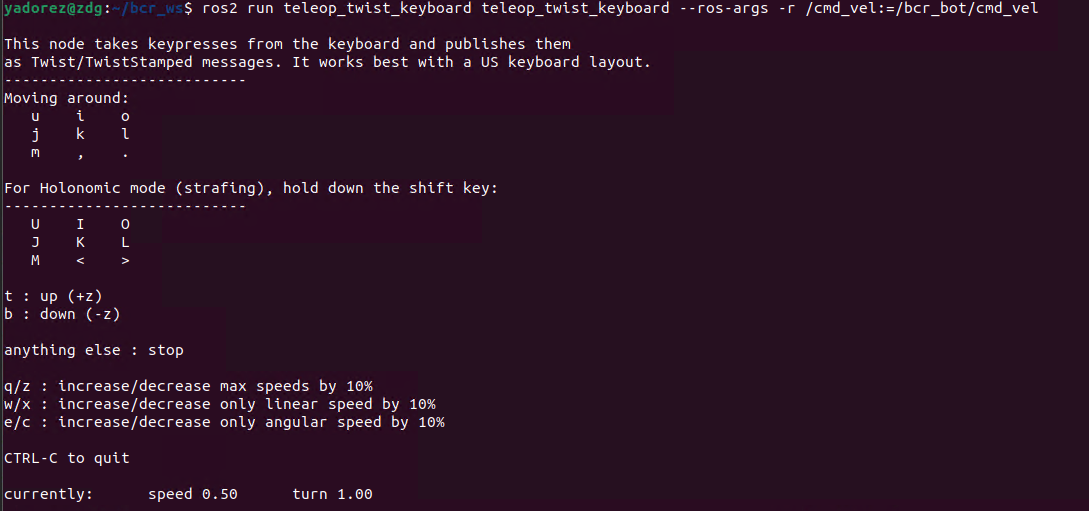
On the second terminal or terminal b, I can now see a way to control the robot, for this one, I just press the letter o to make it turn right.
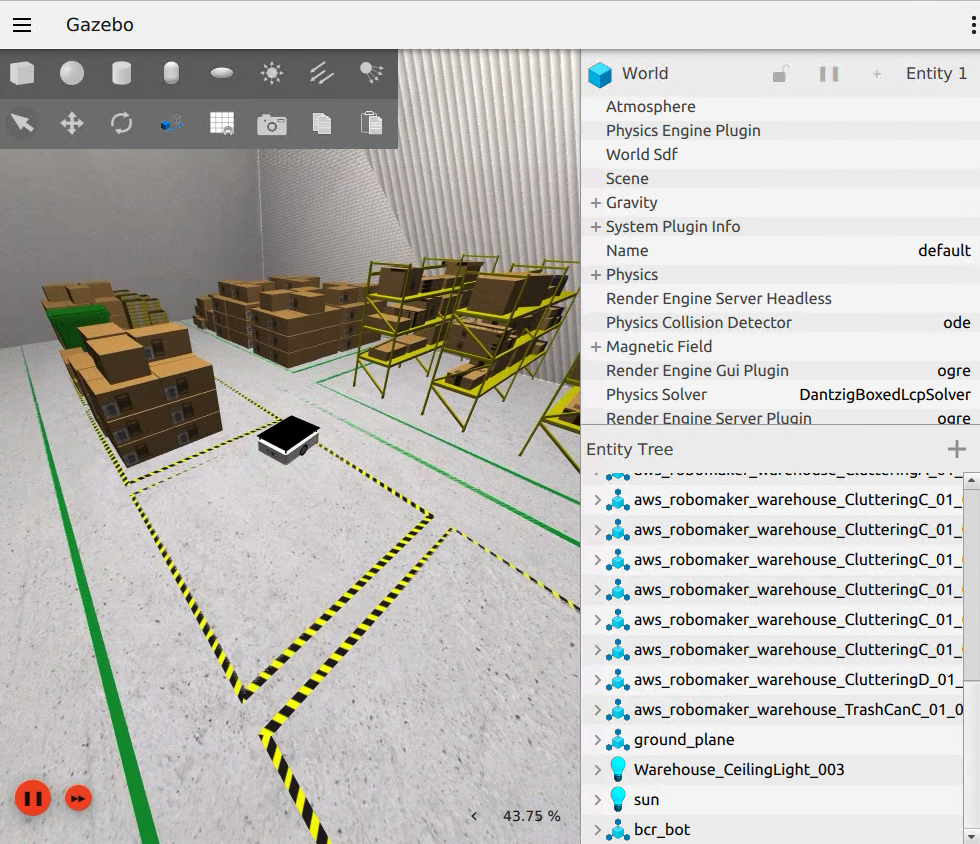
In this image, I was able to make it move and it was just circling around. Now that I was able to make it look like a legitimate user is controlling it, I need to open a third terminal, which is terminal C. Then I run the command below
ros2 topic pub /bcr_bot/cmd_vel geometry_msgs/msg/Twist "{linear: {x: 0.5}, angular: {z: 0.3}}"
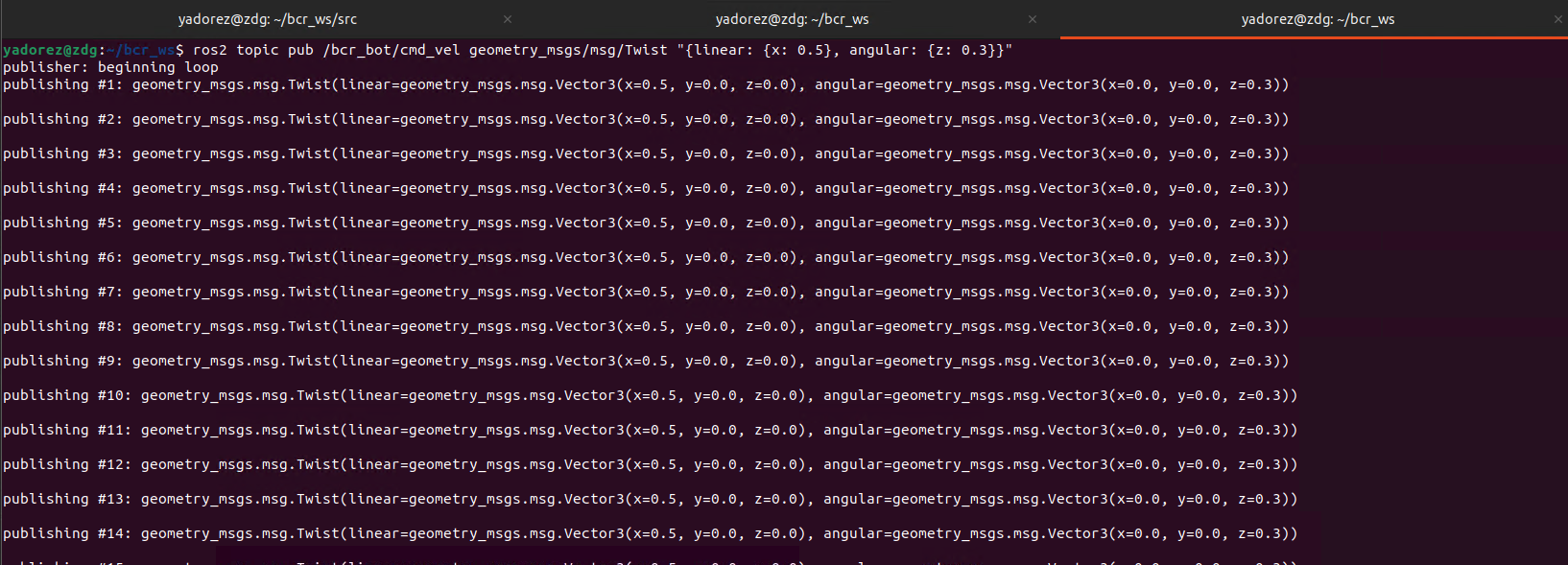
After running the command, we are now able to see that it is publishing a message on cmd_vel and telling the robot to move to the left.
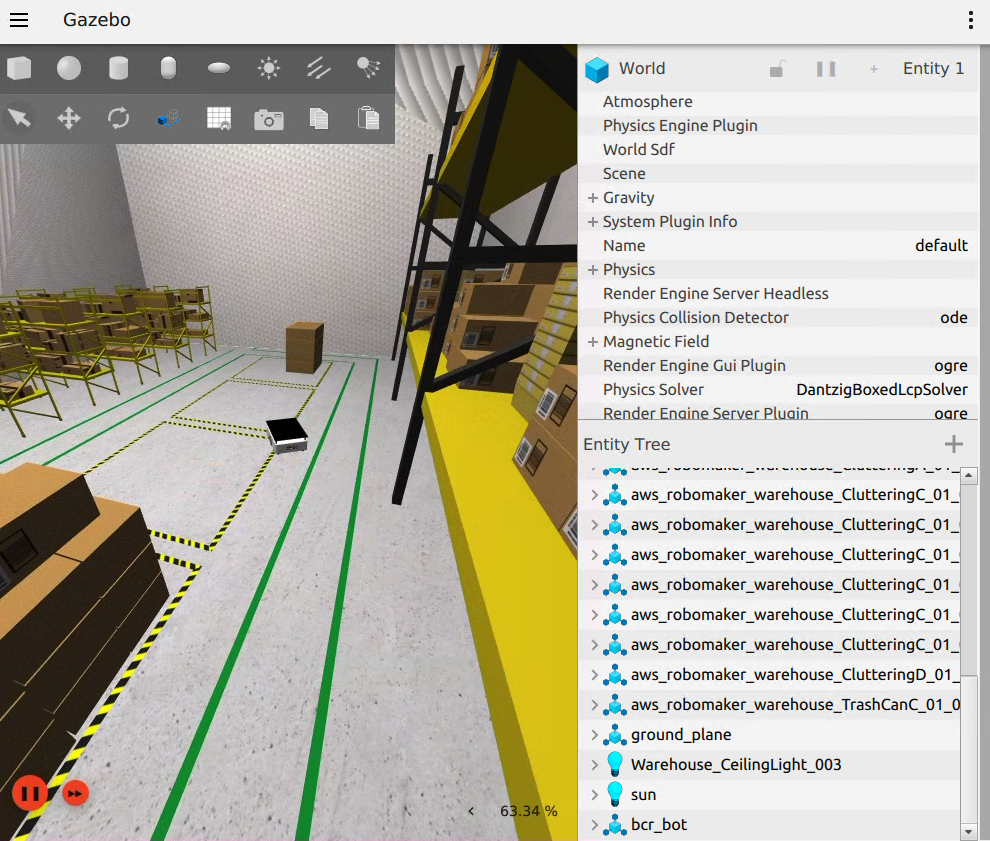
Base on the image above, I was able to confirm that running the command injection made the robot turn the opposite direction and with that I was able to somehow simulate the topic injection. Although using keyboard teleop is unnecessary given that this is unauthenticated and I can just perform topic injection, it just felt cool knowing that I can act it out and make it look like there was a legitimate user and a malicious user.
Lastly, even if I perform ctrl+c, it does not automatically stop the robot from moving so I needed to run the command below to make it stop moving
ros2 topic pub --once /bcr_bot/cmd_vel geometry_msgs/msg/Twist "{linear: {x: 0.0}, angular: {z: 0.0}}"
With that, I was able to setup Gazebo and bcr_bot to see in simulation how Topic Injection can alter the direction of the robot.